
Examples of Proper Redacted Files in Legal Cases to Avoid Compliance Issues
Need to properly redact legal files to avoid compliance issues? Discover examples of properly redacted files and ensure your legal documents meet the sta

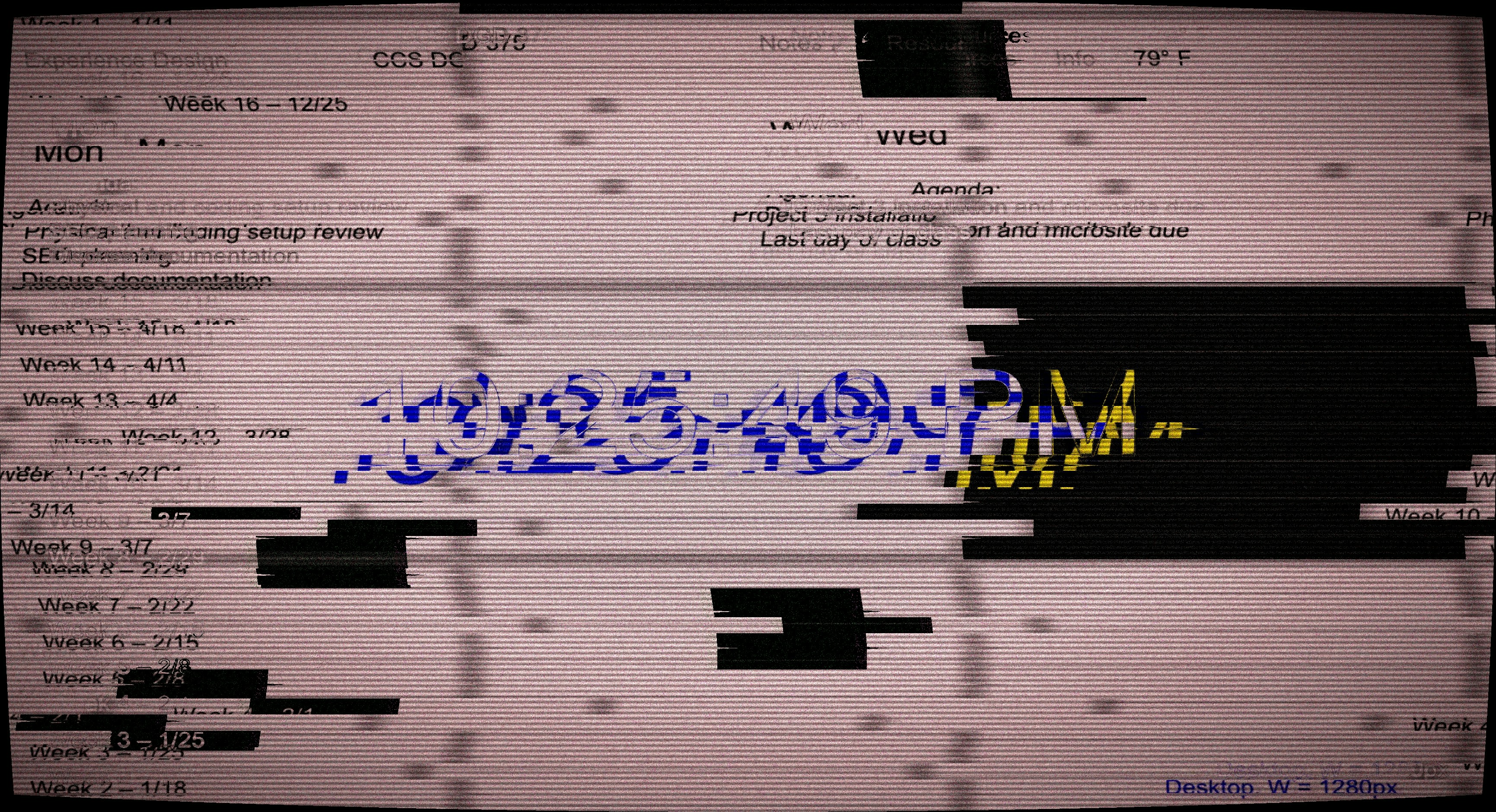

Properly redacted files are crucial in legal cases to protect sensitive information and ensure compliance with legal standards. When done correctly, redaction shields private data while maintaining the integrity of the document.
Redacted files are a common part of legal discovery, where identifying and removing confidential content is essential. From email communications to contracts and medical records, ensuring that redactions meet legal compliance requirements is no small task.
At Logikcull, we help legal teams automate the redaction process, ensuring accuracy and defensibility without manual effort. In this blog post, we'll explore key document redaction examples and how to avoid mistakes that could lead to compliance issues. Stay with us as we guide you through best practices for redacting files in legal cases.
What Makes Redacted Files Proper and Defensible?
Proper redacted files fully remove sensitive information while keeping the document clear and usable. The goal is simple: protect what should not be shared and disclose what must be produced. Anything less creates risk during discovery or review.
A properly redacted file removes data so it cannot be searched, copied, or revealed later. Visual redaction alone is not enough. Highlighting text or placing shapes over content often leaves data behind, and that can lead to accidental disclosure.
Consistency also matters, so the same type of information should be redacted the same way across every file. Inconsistent redactions raise questions and slow down the process.
Clear labeling is another key factor. Courts and opposing counsel should understand why content is redacted without guessing, which helps support legal compliance and reduces disputes.
Example #1: Emails and Attachments
Emails are one of the most common redacted files in legal cases. They often contain:
- Personal details
- Unrelated conversations
- Privileged content
Proper redaction removes this information while preserving the full email thread structure.
A strong document redaction example includes redacting phone numbers, personal email addresses, and non responsive messages. Attachments must also be reviewed and redacted separately. Missing an attachment is a common and costly mistake.
Formatting should remain intact, meaning dates, senders, and subject lines usually stay visible unless there is a clear reason to redact them. This keeps the file readable and useful during review.
Using automated tools helps apply the same redaction rules across every email, as this reduces manual errors and supports legal compliance at scale.
Example #2: Contracts and Business Records
Contracts often require careful redaction, meaning pricing terms, internal notes, and unrelated third parties are commonly removed. At the same time, the core agreement must remain clear.
A proper redacted file will apply the same redaction across all pages and exhibits. If a client name is redacted on page one, it should be redacted everywhere else. Inconsistent treatment creates confusion.
Redaction labels are especially important here, as clear explanations help avoid challenges related to over-redaction. They also show intent and support defensibility.
Logikcull helps legal teams handle these files faster by applying bulk redactions and keeping everything inside one secure platform.
Example #3: Properly Redacted Medical or HR Record
Medical and HR records contain some of the highest-risk information in legal cases. Social Security numbers, birthdates, medical diagnoses, and home addresses must be carefully removed to prevent exposure. Proper redaction ensures that only the fields required for disclosure remain visible while sensitive information is fully protected.
Precision is critical in these records, as over-redaction can remove necessary context, while under-redaction can create compliance violations. Manual redaction increases the risk of errors, especially when handling large volumes of regulated data.
Mistakes can lead to regulatory penalties, sanctions, or lost privilege. Using automated, consistent processes ensures sensitive data is safeguarded and legal compliance is maintained without sacrificing accuracy.
Example #4: Properly Redacted Chat or Slack Export
Modern legal cases increasingly involve chat messages and collaboration tools like Slack or Teams. These files can contain sensitive information such as:
- Private messages
- Usernames
- Emojis tied to identity
- Timestamps
Proper redaction ensures all high-risk data is removed while preserving the flow of conversations.
Thread-level consistency is essential, so each message in a conversation should be treated the same to maintain context and avoid disputes. Native chat data is difficult to manage manually because hidden metadata or duplicated threads can expose information accidentally.
Logikcull helps legal teams automate redaction of these modern files, keeping sensitive content safe while reducing the time and risk associated with manual processes. This is a growing pain point for teams without the right tools.
Frequently Asked Questions
What Are the Most Common Redaction Mistakes?
Common errors include incomplete removal of sensitive information, inconsistent application across files, and leaving metadata intact. At Logikcull, we help legal teams avoid these mistakes with automated redaction tools that ensure proper coverage. Following eDiscovery best practices reduces the risk of compliance issues.
How Can I Ensure PII Protection in Redacted Files?
To protect PII, only authorized content should remain visible. Social Security numbers, birthdates, and contact details must be fully removed. Using automated platforms like Logikcull simplifies this process and helps teams maintain compliance in legal cases.
Are Manual Redactions Reliable?
Manual redaction can be error-prone, especially for large document sets. Mistakes can expose sensitive data or create defensibility problems. Legal document redaction is safer when automated tools enforce consistent redaction techniques.
How Do I Maintain Context While Redacting?
Redaction should preserve document readability and essential context. We apply consistent rules to maintain clarity, ensuring that redacted files remain usable during review and production.
What Makes Redaction Defensible in Court?
A defensible redaction clearly removes sensitive information, applies consistent techniques, and provides an audit trail. Using Logikcull ensures all redactions are secure, repeatable, and compliant with legal standards.
Streamline Your Redactions: Get Started With Logikcull
The bottom line is that properly redacted files are essential for protecting sensitive information and staying compliant in legal cases. Mistakes can lead to compliance issues, lost privilege, or costly rework. With the support of Logikcull, legal teams can automate redaction, ensuring accuracy, consistency, and defensibility across emails, contracts, medical records, and modern chat data.
Our platform streamlines the entire process, from collection to production, saving time and reducing risk. Take control of your document redaction workflow and see how Logikcull makes handling redacted files fast, simple, and secure. Get a demo or try it for free and safeguard your data with confidence.
Learning With Logikcull
Browse our latest resources for innovative legal teams like yours




Stay in the know
Get the latest news, expert guidance, and interviews delivered straight to your inbox so you're always one step ahead.
Get the latest updates
Want to see it work?
Request a demo today.
Managing FOIA requests with limited staff, strict deadlines, and pressure to protect sensitive data?
Logikcull is built for this.